
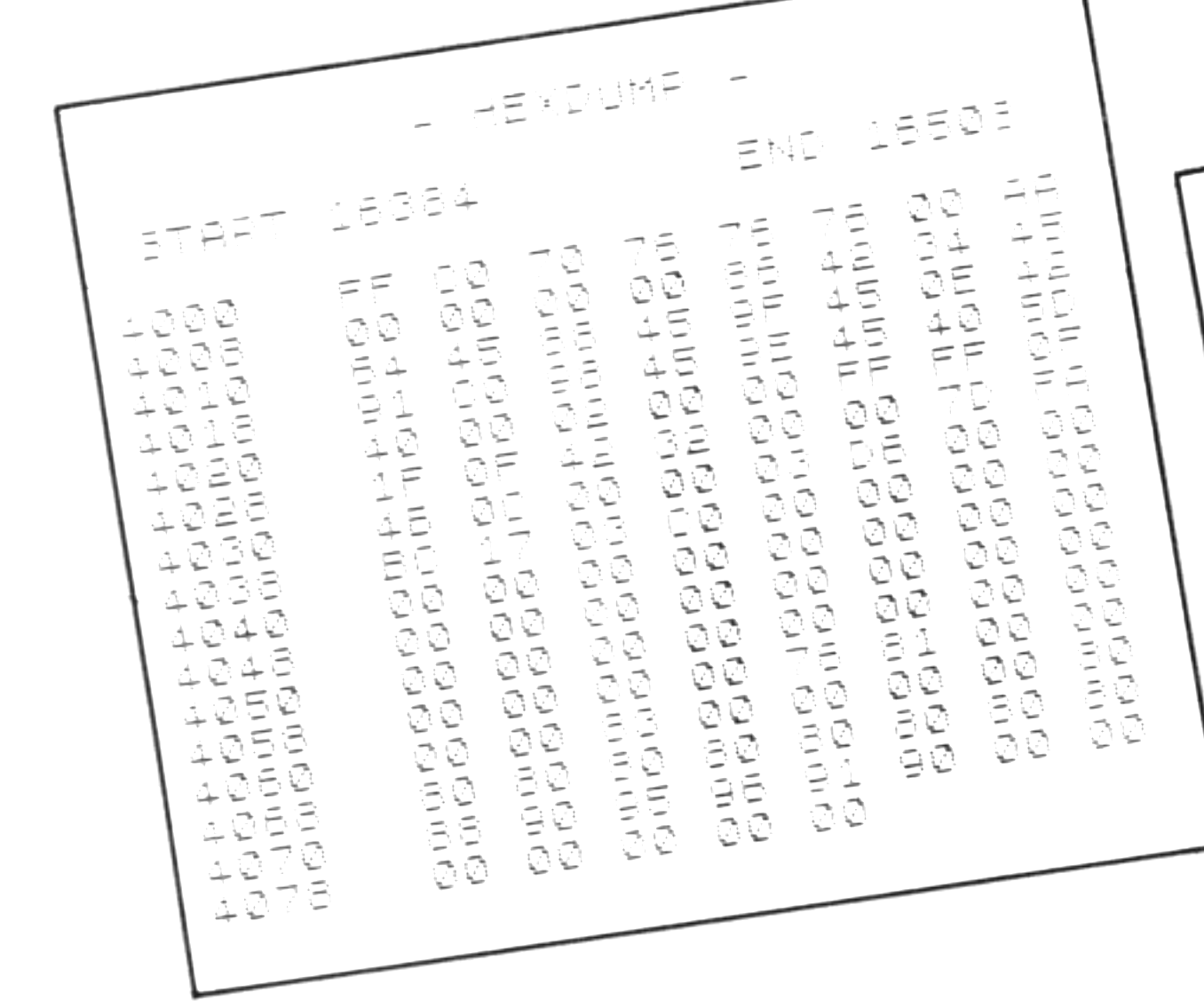
HEXDUMP displays the contents of any portion of your T/S1000,ZX81’s memory in hexadecimal. It begins by asking for the start and end addresses in decimal. The start address is rounded to the preceding eight-byte boundary to begin the display. Each line will list the contents of eight bytes, along with the address of the first byte. The display will continue to scroll up from the bottom until the end address is reached. A good area to start with is the ‘system variables’ region (16384 to 16508) described in chapter 27 of the T/S1000 User Manual.
If you want to include a hex display in your own programs, the subroutine at line 1000 will convert any number in the range 0 to 255 to a twocharacterstring of corresponding hex digits. Two calls on the subroutine (as in lines 110 to 150) can convert a two-byte value, such as an address.
Submitted by F. Barry Mulligan of Atlanta, Georgia.
   1 REM    "HEXDUMP"  FOR ZX81
   2 REM    BY BARRY MULLIGAN
   3 REM
   5 PRINT AT 19,10;"- HEXDUMP -"
  10 PRINT AT 21,1;"START ";
  20 INPUT A
  30 LET A=8*INT (A/8)
  40 PRINT A;TAB 20;"END ";
  50 INPUT Z
  60 PRINT Z
  70 SCROLL
  80 FOR I=A TO Z
  90 IF I<>8*INT (I/8) THEN GOTO 170
 100 SCROLL
 110 LET X=INT (I/256)
 120 GOSUB 1000
 130 LET Y$=X$
 140 LET X=I-256*INT (I/256)
 150 GOSUB 1000
 160 PRINT Y$;X$;TAB 7;"";
 170 LET X=PEEK (I)
 180 GOSUB 1000
 190 PRINT X$;" ";
 200 NEXT I
 210 STOP
1000 LET X$=CHR$ (28+INT (X/16))+CHR$ (28+X-16*INT (X/16))
1010 RETURN
Media
Note: Type-in program listings on this website use ZMAKEBAS notation for graphics characters.