
See all articles from T-S Horizons n12
Several times I spent half an hour or more typing a program from a magazine, only to spend the next half hour finding and correcting my typing errors. The LINECHECK program solves that problem…All of the programs printed in this column and hopefully many of the programs submitted to TS HORIZONS in the future will have the LINECHECK printout at the end of the listing.
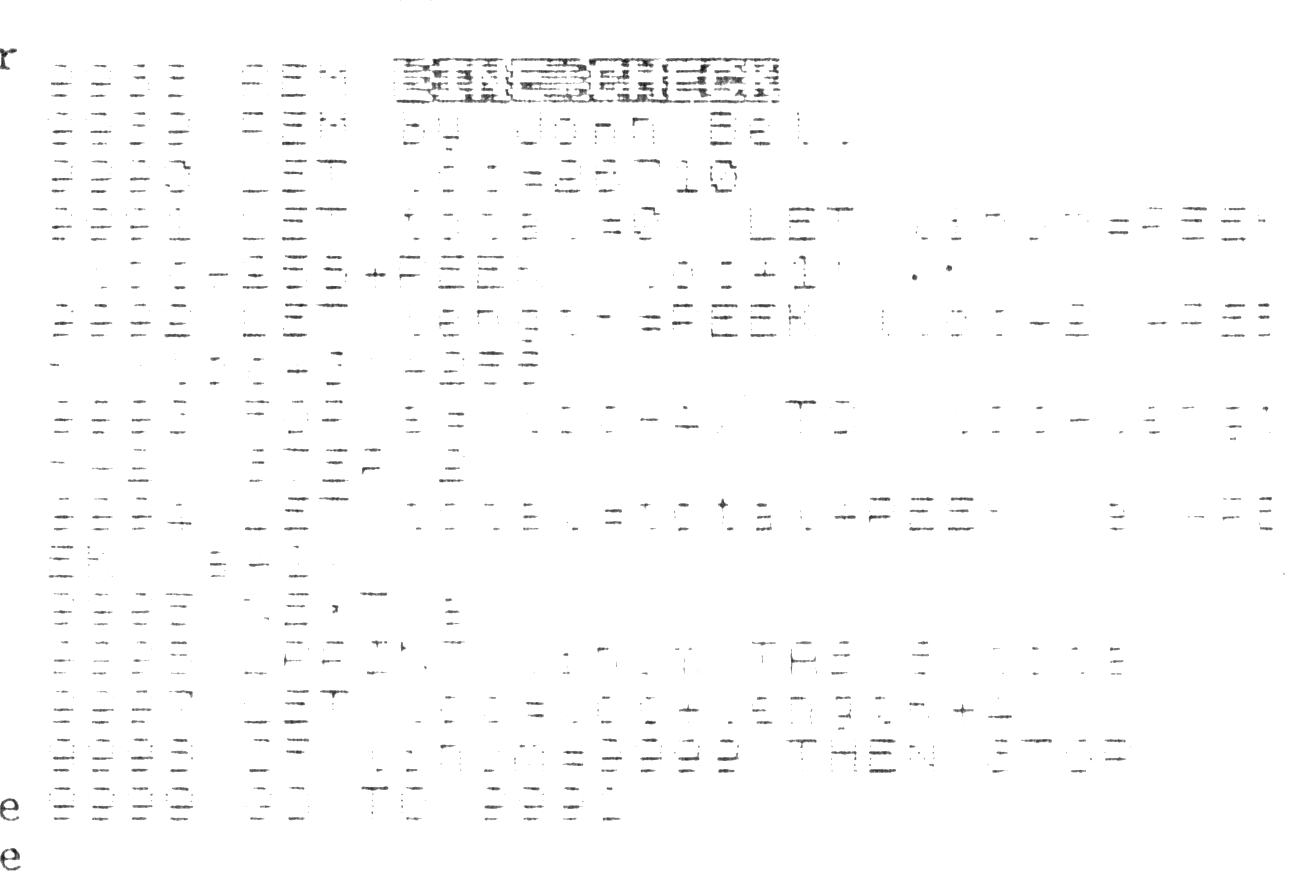
How the program works (2068);
9990 LETs loc = the beginning of the basic
     program

9991 LETs total = 0 and finds the line number
     of the line

9992 finds the line length

9993 FOR-NEXT loop adds and then
9994 subtracts each successive
9995 byte in the program line.

9996 PRINTs the line number and total for
     each line.

9997 LETs loc = start of next program line

9998 checks for end of program

9999 starts process on the next line
How to use the program;
1;  Type in the program.

2;  RUN the program.

3;  compare the program print out to the
    listing in the magazine. If there are
    any differences in the two listings, you
    will know which line the mistake is in.

4;  Correct any mistakes and SAVE the
    program to tape.

5;  Type in a program and MERGE the
    linecheck program.

6;  Run the program using; 'RUN 9989' and
    compare the results. Correct the errors
    in the line numbers that do not match.
    When you have a mistake free copy of the
    program DELETE the LINECHECK lines and
    save the program to tape.
I hope that the LINECHECK program will make your future computing easier. Coming next month, a program for the 2068; User defined graphics made easy.
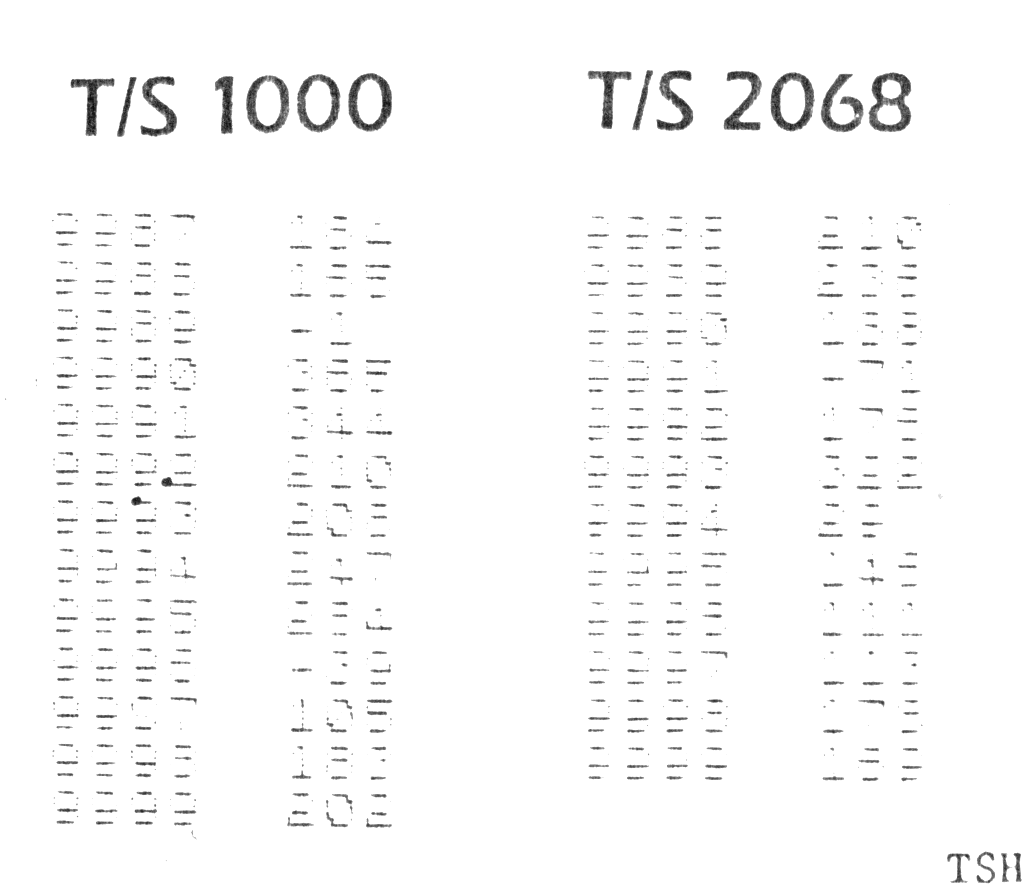
LINECHECK
TS 1000 version

TS 2068 version
TSH