
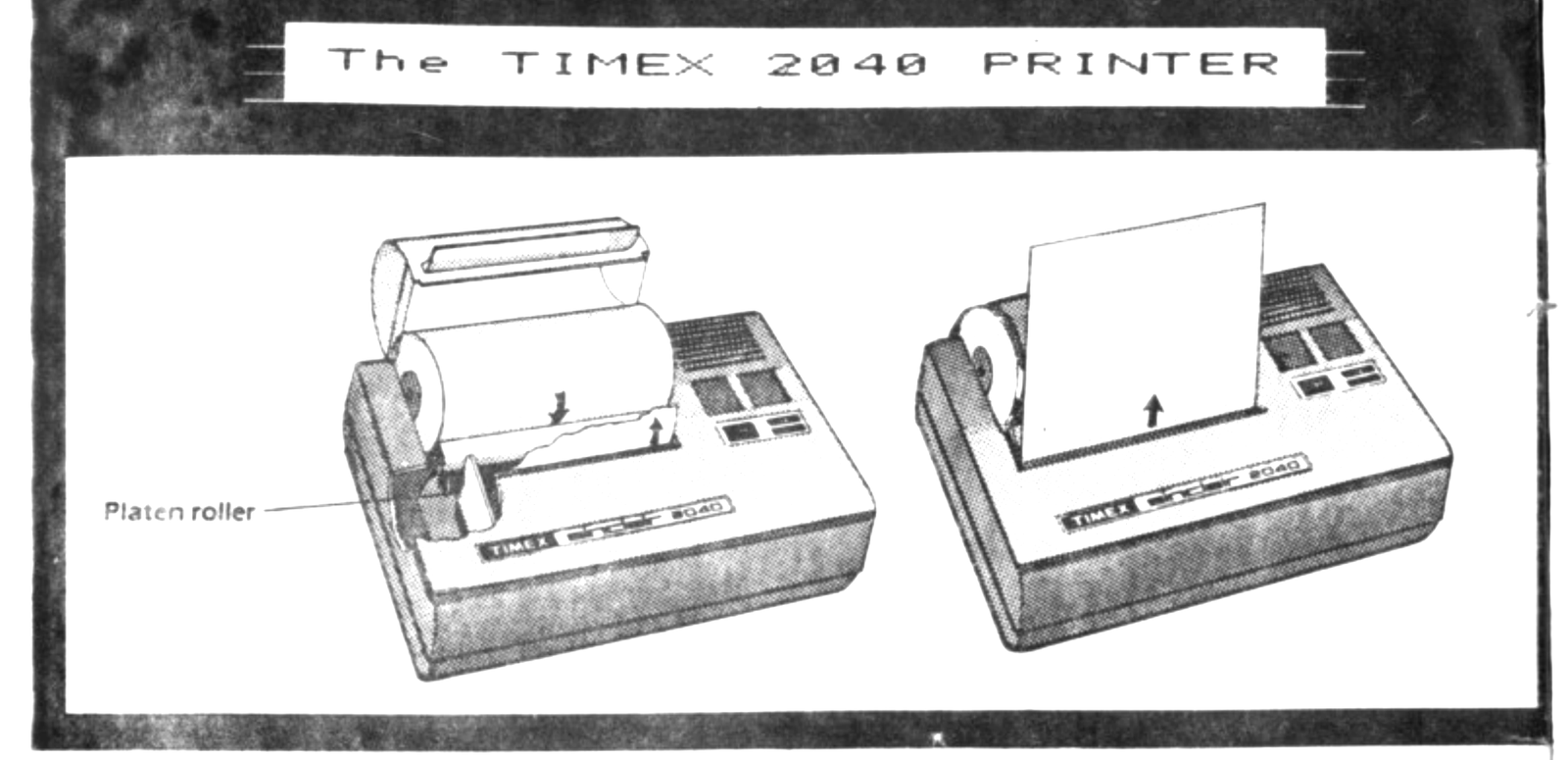
First let me say that I have never been so impressed by any printer in this price range ($100.00). My first impression before seeing the 2040 was that it was going to be the U.S. version of the ZX printer – not so! It is a thermal printer like the ZX but that’s where the similarity ends.
The 2040 is about twice as big and is constructed from tough ABS plastic. It weighs about 3 times as much and is much quieter than the ZX. Don’t get me wrong. The ZX is worth about a hundred bucks but then any computer printer that gives readable copy in today’s market is worth about that. The 2040 gives you much more for your money. It is directly compatible with the TS/ZX machines and require no POKE routines to make the COPY, LPRINT or LLIST commands work like some other thermal printers do. It is also extremely quite.
The most important quality of the printer, in my opinion, is the paper and print quality. The paper is gloss white. That’s right, not the grey paper that has become a standard on most printers. For those of you that have seen the white paper, you probably noticed that the printed characters are blue on the white background. Not so with this paper – they are black. At first glance the printed copy looks like it came from an ink-cartridge dot-matrix printer on expensive enamel paper. The print density gives the appearance of a weak ribbon but it is still much better than any other thermal printer I have seen. The black on white contrast is superb.
Did you ever have something on your screen that you wished you had a copy of? No problem – just break the program and press the Z key. The entire screen will be copied on paper, graphics and all.
How about one of those programs that keeps scrolling information from the bottom of the screen and then it disappears off the top before you can comprehend what’s going on? No problem again – just find the lines in the program that PRINT to the screen. Edit the line number to, say, a number before or after the original line number and change the PRINT to LPRINT in the line. Do this for each of the lines (you might want to add some additional LPRINT lines for separation spacing of the print-out) and you now have a program with hard-copy capabilities.
The user could even print name & address information, cut out the info into mailing labels, and, with a glue stick, affix them to envelopes. Not super professional looking, but more so than handwriting.
The biggest headache of most programmers is trying to visualize a program listing to remember where various routines are located. Problem solved – LLIST lists the program to the printer exactly as you see it on the screen but in its entirety.
The only problems we are aware of at this time are:
- trying to locate additional paper supply sources. In the Chicago area, the Venture chain stores have just started selling it. The paper price is very reasonable, too, with three 82 foot rolls selling for only 5.95. TRS-80 thermal printer paper was around $15 for 3 rolls and is grey. Stores all over that sell the printer should soon have a good supply of the paper.
- a subscriber called to let us know that the printer becomes in-operative when the Byte-Back telephone modem is connected. This, of course, makes it impossible to get hard copy from the Networks through your phone.
We have used this printer with some programs such as the SYNTEXT word processor (see SYNTEXT review this issue), the ARTIST program (BOSS PKG #116) and PAINT BRUSH (this issue cassette) with striking results. The cover of the magazine shows some samples.
The combination of easy-to-read print-out, sturdiness, quietness and speed make this printer an excellent buy.