
Here is your tip of the month for DECEMBER.
If you are writing a program and are unsure as to the ability of a routine to do what you want it to, then try the following;
type in: RUN XXXX
The XXXX stands for the first line of the routine that you wish to test. This will prevent having to run the whole program each time you wish to try it. Thanks DICK.
This month our program also comes from DICK WAGNER.
This program could be used as an attention getter, as it does have some action. The PLOT pixel looks like it is jumping up and down a flight of steps. Lines 10 and 50 PRINT the name and delete the PLOT pixel. This is a simple way to get around using PRINT AT. Try changing lines 20 and 40 to N,0 and lines 70 and 80 to X,0.
This shows that PLOT will wipe out characters when using the same space. Then change line 20 and 40 to N,10 to give different action again. Try the original program but change 70 and 80 to X,0. To keep from deleting thebottom name, change line 10 to N=2 TO 43.
   1 REM AN EASY METHOD TO MAKE AN ACTION ATTENTION GETTER.
   2 REM SEE TIMEX USER MANUAL PAGE 65 ABOUT PLOT MOVES THE PRINT POSITON.  DID YOU SKIP OVER THIS?
   3 REM USE RUN TO START THE ACTION.
  10 FOR N=1 TO 43
  20 PLOT N,N
  30 PRINT "LAURIE G."
  40 UNPLOT N,N
  50 NEXT N
  60 FOR X=43 TO 1 STEP -1
  70 PLOT X,X
  80 UNPLOT X,X
  90 NEXT X
 100 GOTO 10
 200 REM THE WORD PRINT-OUT STARTS AT PLOT 0+3 BECAUSE PLOT CHARACTER IS 1/2 OF PRINT CHARACTER WIDE.  THIS EXERCISE DEMOSTRATES REM 2.
 300 REM LINES 60-90 PRINTS PLO PIXELS IN REVERSE.  LINE 100 KEEPS THE ACTION GOING.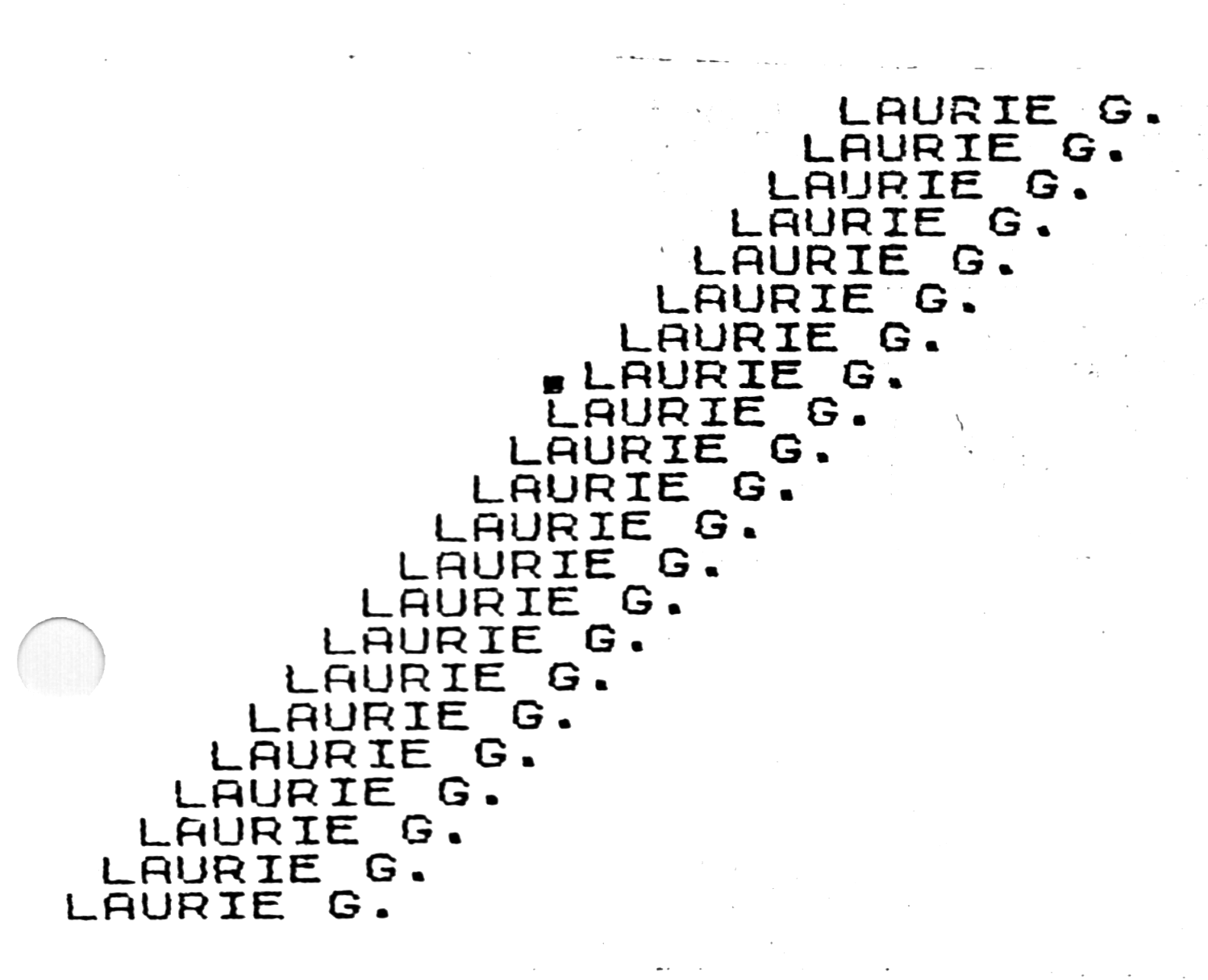
Note: Type-in program listings on this website use ZMAKEBAS notation for graphics characters.