
A REVIEW BY EARL DUNNINGTON
John McMichael has done it again! That is improved the capability of our 2068’s by developing software that will make a full color or black and white screen COPY, when used with his interface, the OKIMATE 20 color printer, and the Okimate Commadore Plug and Print module.
He has also developed two other programs for this hardware. A Patch for Jack Dohnay’s MSCRIPT revisions V5/V5.2 and a machine code OKI-DRIVER program that supports the LLIST and LPRINT commands. Each program is on a separate tape and were $ 8.95 each.
The Screen Copy program requires that the screen be saved on tape with the SAVE “name” SCREEN$ command or the equivalent SAVE “name” CODE 16384,6912 command. The options allow you to specify color or black and white, small or large size, the horizontal position on the paper, and the number of copies to be made. After the specified number of copies has been made, you can again enter your choice of options and either use the same screen or load a new one. The small size produces a screen copy 1.55″ by 1.25″. The large size is 3.15″ by 2.55″. Approximately 30 copies can be made with each Color Ribbon ($ 5.65) using the large size.
The black and white screen copy using the black ribbon is much darker than that produced by the 2040 printer. However, there is no shading for the different colors like that produced by Zebra‘s Z-PRINT 80 or like a color screen viewed on a green screen monitor. Due to this the color copy is a vast improvement, even though a large block of paper color only characters reproduces somewhat unevenly, the colors being slightly darker along the horizontal juncture of each character line with another. The individual pixels are not apparent to the naked eye. For testing, I used the third color screen from Knighted Computers “NIGHT GUNNER” (c) Digital Integration. It has the following colors: white, black, green, yellow, blue, cyan, and red. I consider the rendition of the ink colors, excellent. The instructions are also excellent.
As I do not have Jack Dohany‘s revised versions of MSCRIPT, I can not comment on the Patch program, other than the instructions seem very complete.
The OKI-DRIVER program is strictly machine code. It loads in starting at address 64874 and is 494 bytes in length. The program is compatable with the Larken DOS V3 and the Larken 256K RAM DISK. It is also compatable with the Zebra FDD 3000 with TOS. As written the code is not re-locatable and therefor is not compatable with the Zebra OS-64 cartridge or any other program using two display files. In addition to supporting LLIST and LPRINT there are options for sending printer control codes with support for LPRINT only, switch the character transposition off, and switch backand forth from the big printer to the 2040. If the 2040 is also connected you can always use COPY. The options and switches are made using RAND USR commands. There are eight 2068 character codes that will print as Commadore characters:
92  Always
95  Always
96  Always
123 Always
124 In printer control code mode
125 Always
126 In printer control code mode
127 Always
The instructions for using the program are excellent and quite complete. The utility of the program would be greatly enhanced by fronting the code with a BASIC loader and code mover program to adjust the internal jumps and the calls to any location desired.
The McMichael interface emulates a Commadore serial port. It was originally developed for use with the 2068 and the Commadore four color pen 1520 plotter. The interface can be purchased as bare board ($14), a kit with all parts ($20), or assembled ($30). I ordered the kit. As I do not have the Oliger expansion board, I also ordered the edge connector ($4.95). The documentation is excellent and I had no difficulty in assembly. Do not worry if you think you may have a solder bridge between pins 8 and 9 of U3. They are supposed to be connected.
The OKIMATE 20 ($136) is an 80 column “State of the Art”, square 24 pin, NLQ, dot matrix, thermal color printer. It uses color or black thermal ribbon cassettes. Thermal paper without a ribbon cassette can also be used (4-80 foot rolls $16). The footprint is about 13″ x 7″ and is about 2″ high. A tractor is built in for paper with sprocket holes. Single sheets can also be used. A serrated plastic edge is built in for tearing roll thermal paper. The printhead is removable for cleaning or replacement ($21.95) by the owner. The overall quality of construction appears to be excellent and it is very quiet when printing. There are printer control codes for draft quality, character size (Pica, Elite, Fine, double width), Italics, Super and Subscripts, underlining, reverse printing, form feed, carriage return, line spacing, starting position, skip over perforations, and graphic modes.
The printer documentation, registration form, a color ribbon cassette, a black ribbon cassette, computer paper, a order form for supplies, and the plug in printer module are all contained in the Okimate Commadore Plug and PrinT package ($79.95). Dip switches in the module allow you to use different international character sets.
I consider this, for the price (total about $270) one of the best full size printer systems available for the 2068. It could be improved by a color screen program that would produce a printout twice the present large size. The prices quoted are approximate.
The OKIMATE 20 and the Commadore Plug and Print module can be purchased at TOYS R US, Service Merchandise, and Sears. Some mail order computer supply houses also carry them. Check the ads in Commadore magazines, Compute, and the Computer Shopper.
Send a legal size SASE to:
John McMichael, 1710 Palmer Dr., Laramie WY 82070
for an order form and price list. If you enclose one dollar he will also send a sample color screen copy.
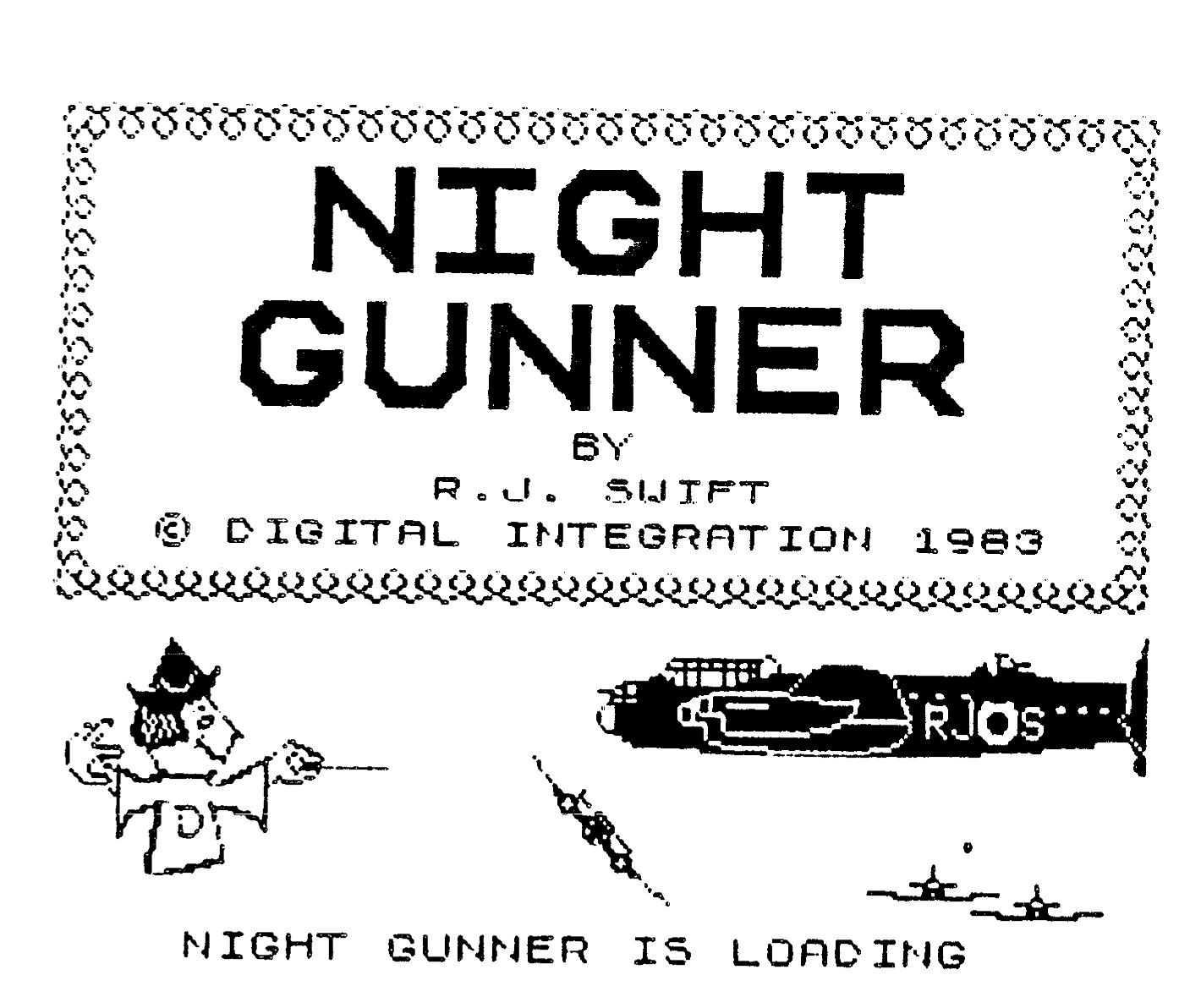
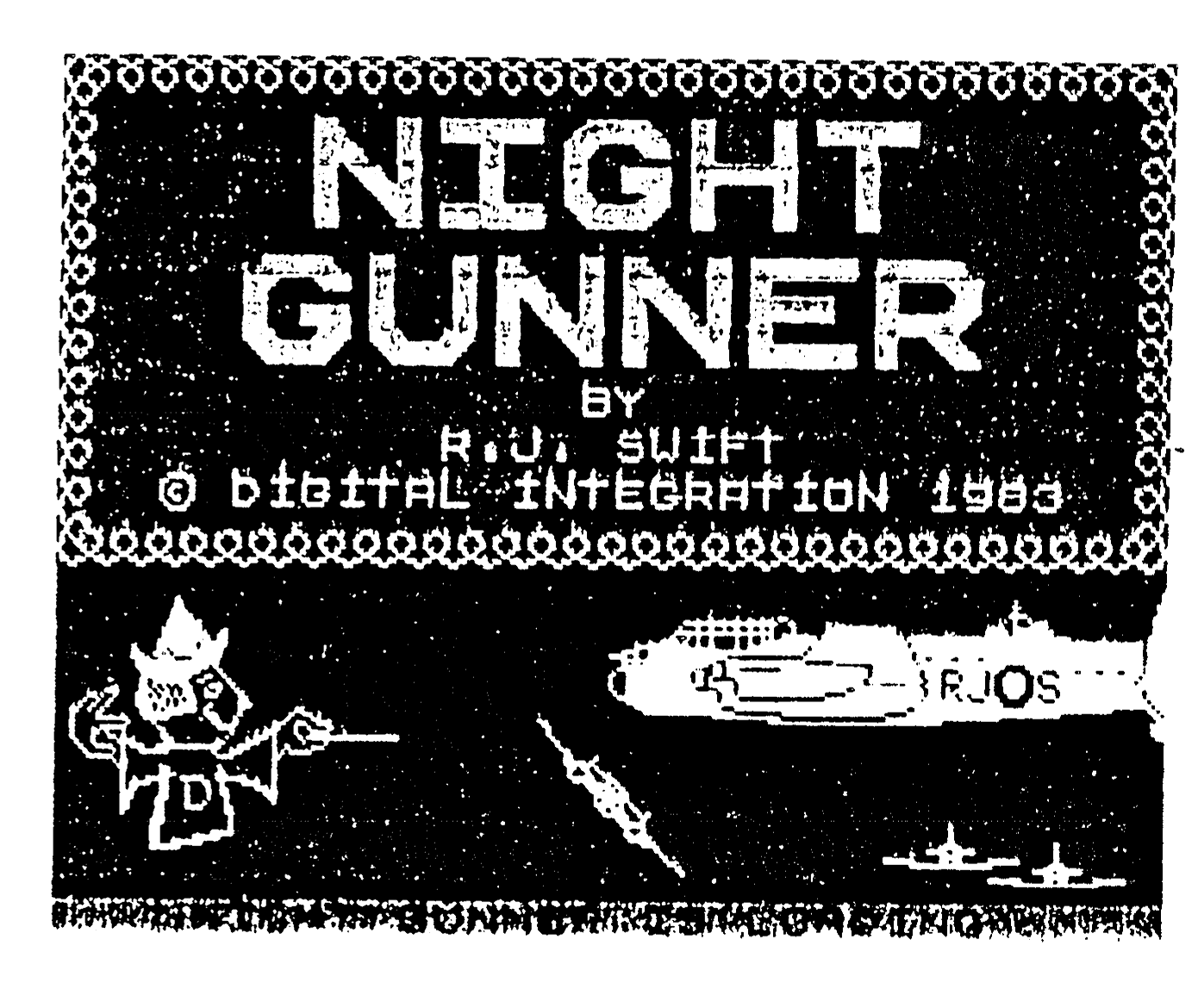
Editor’s note: Two screen copies were supplied, one a B&W and another in full color. These are reproduced below if full size. Unfortunate a B&W copy cannot do justice to the color screen so I will describe it. The large print “NIGHT GUNNER” is in Cyanide on a bright red background. The smaller print below is white, as is the fancy border. The two bombers and ships below are in bright yellow on a blue background. The knight with pointed rapier is sketched in white. “Night gunner is loading” is black print with green background. The colors and contrast are vivid, about what you would see on screen, but with with no gaps between drawn pixel lines. Focus is sharper than a screen image. “NIGHT GUNNER” stands out on its background in a way that looks three dimensional. This is the same size screen copy as we are used to with other softwares. I would suspect that if the printer could be put into an expanded mode that the print out would cover a larger area, as does other screen dumps. Only one gripe and thats against Digital Integration; “What respectable Air Force paints their aircraft YELLOW?”